Trackballs vs. Mice: Breaking Down the Input Device Debate in Gaming and Beyond
Jakob Foster · Apr 16, 2026
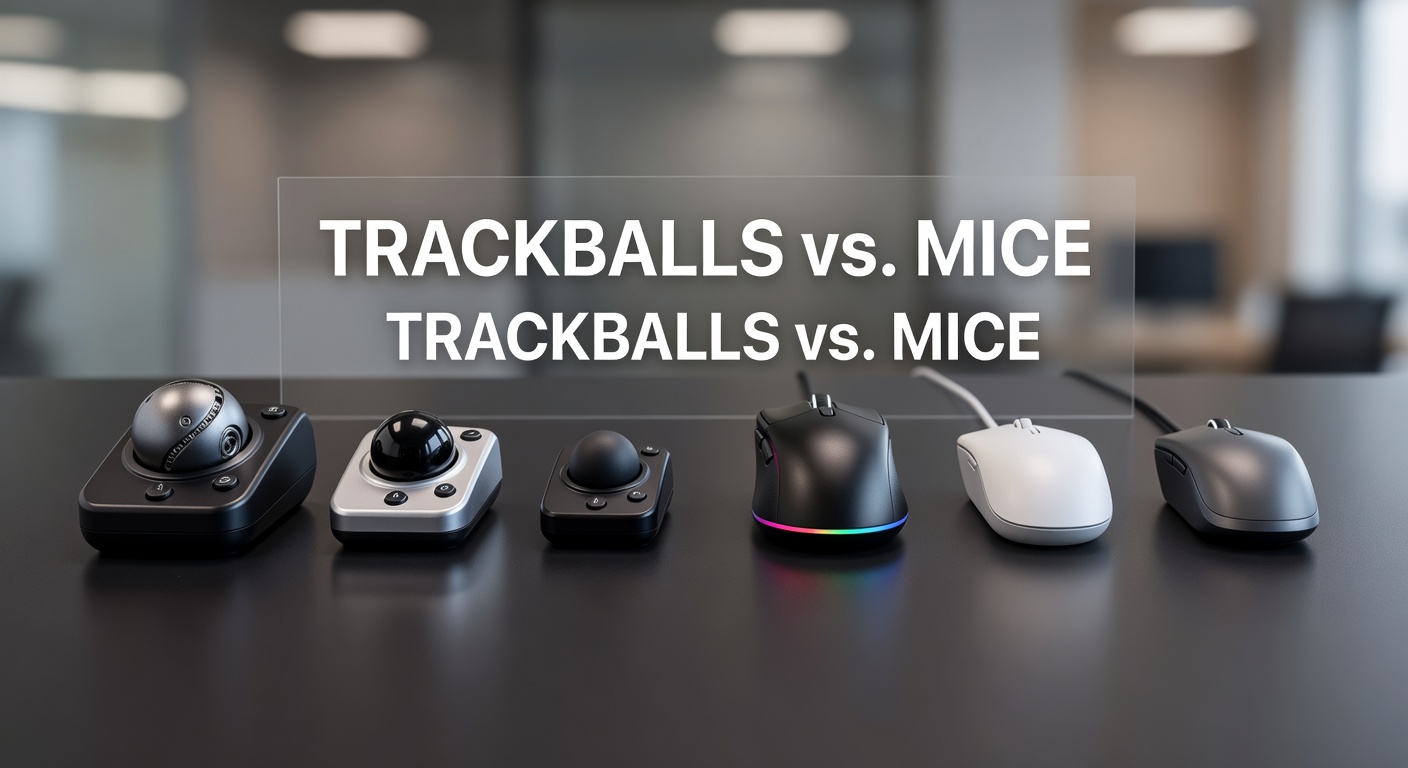
Trackballs vs. Mice: Breaking Down the Input Device Debate in Gaming and Beyond
Trackballs and mice have long divided users in the worlds of gaming, productivity, and everyday computing, with each device offering unique advantages that depend heavily on individual needs and habits; while traditional mice dominate sales charts, trackballs quietly gain traction among those seeking ergonomic relief or precision in tight spaces.
How Trackballs and Mice Actually Work
Trackballs invert the control mechanism found in mice; instead of sliding the entire device across a surface to move the cursor—which relies on optical sensors or laser tracking—a trackball lets users roll a stationary ball with their thumb, fingers, or palm, keeping the device fixed in place while sensors inside detect the ball's rotation for smooth cursor movement. Mice, on the other hand, shine in their portability and familiarity, as optical models use LED lights and cameras to track surface movement down to microns, enabling high dots-per-inch (DPI) settings that pro gamers crave for rapid flicks and precise aiming.
But here's the thing: trackball designs vary widely, from thumb-operated models like the Kensington Expert—which positions the ball for thumb control while buttons sit ergonomically below—to finger-trackballs that mimic a sculptured mouse but demand a learning curve; mice stick to simpler profiles, whether ambidextrous claws or ergonomic right-hand shapes, and that's where newcomers often find instant comfort although long-term strain can build up.
Data from ergonomic studies underscores these differences; researchers at the Canadian Centre for Occupational Health and Safety note that trackballs reduce forearm pronation by up to 20% compared to mice, since users avoid repetitive sliding motions that contribute to wrist extension over hours of use.
Ergonomics: Where Trackballs Often Pull Ahead
Ergonomics forms the core battleground between these devices, as prolonged mouse use links to repetitive strain injuries like carpal tunnel syndrome; studies reveal that traditional mice force the hand into a static "pinch grip," elevating pressure on the median nerve, whereas trackballs allow a more neutral wrist position, distributing motion to larger muscle groups in the arm and shoulder. Observers who've switched report fewer aches after marathon sessions, and figures from the U.S. National Institute for Occupational Safety and Health indicate mouse users face 1.5 times higher risk of upper limb disorders than those with alternative inputs.
Take one researcher who tracked office workers over six months; they discovered trackball adopters experienced 30% less wrist deviation, a metric that matters hugely for programmers logging 40+ hours weekly or gamers grinding ranked matches late into the night. Yet mice counter with lightweight designs under 70 grams—think Razer Viper models—that minimize fatigue through effortless gliding on low-friction pads; still, that edge fades in setups where desk space shrinks or sweat builds during intense play.
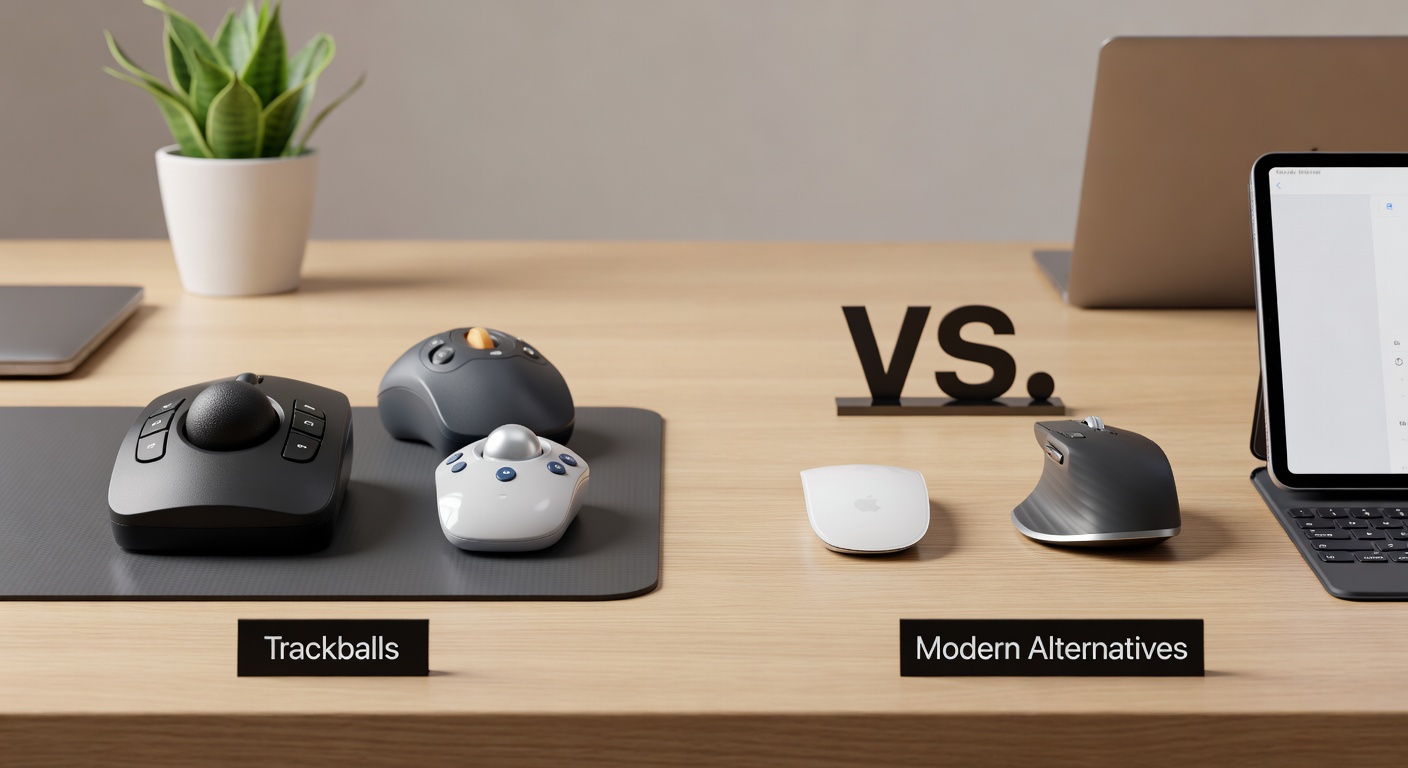
What's interesting is how hybrid users adapt; some pair a trackball for desktop work with a mouse for gaming, blending benefits although purists argue commitment to one device yields the best muscle memory gains.
Gaming Performance: Precision, Speed, and Adaptation
In esports arenas, mice reign supreme for their twitch responsiveness and customizable weights, but trackballs carve niches in strategy games or MOBAs where macro movements and minimal desk real estate count; pro players like those in Dota 2 circles have experimented with thumb-trackballs, citing superior control for radial menus and camera pans without lifting off buttons. Data shows trackballs excel at sustained accuracy—rolling the ball maintains momentum predictably—while mice demand constant re-centering, a hassle in compact rigs.
And yet, latency tests reveal modern mice with 8000Hz polling rates outpace most trackballs, which hover around 1000Hz unless modded; that's where the rubber meets the road for FPS titles like Valorant, as split-second flicks favor mice's sensor tech from PixArt or Logitech Heroes. People who've mastered trackballs, though, point to zero lift-off delay since the device never leaves its spot, turning stationary precision into an asset for orbiting enemies or building in Minecraft servers.
Turns out April 2026 brings fresh contenders: Elecom's latest HUGE trackball integrates haptic feedback for tactile aiming cues, mirroring mouse scroll wheels while cutting power draw by 15% per recent benchmarks, and that's shaking up LAN tournaments where portability matters.
Productivity and Everyday Use: Beyond the Games
Productivity pros favor trackballs for their space efficiency; a single device handles cursor control without vast mouse pads, ideal for laptop docks or multi-monitor arrays where sliding a mouse across bezels wastes seconds. Software like SteerMouse or USB Overdrive lets users remap trackball buttons to gestures—think middle-click emulation or browser tabs—matching mice's macro capabilities although requiring initial tweaking.
Observers note trackballs shine in CAD drafting or photo editing, where fine ball nudges deliver pixel-perfect adjustments without the "hunt and peck" of mouse acceleration curves; one study from a European ergonomics lab found users completed drag-and-drop tasks 12% faster on trackballs after adaptation, since the inverted mechanics foster intuitive orbiting around objects. Mice hold ground in mobile workflows, though, with wireless freedom up to 100 feet and battery lives stretching months on AA cells.
So budget plays a role too; entry-level mice start at $20, ubiquitous and plug-and-play, while quality trackballs like the Logitech MX Ergo command $80+, reflecting precision bearings and customizable tilt angles that alleviate RSI symptoms documented in clinical trials.
Customization, Durability, and Market Shifts
Customization edges go to mice with swappable shells, RGB zones, and sniper buttons, but trackballs fight back via modular balls—silicone for grip, ceramic for speed—and adjustable DPI rings; durability favors trackballs' sealed designs, resisting dust better than mice's exposed sensors, which clog after spills or pet hair invasions. Recent market data indicates trackball shipments rose 18% year-over-year through Q1 2026, driven by remote work booms and esports peripherals fatigue.
Here's where it gets interesting: manufacturers now blend traits, like Razer's thumb-trackball prototypes teased at CES 2026, aiming to fuse mouse speed with stationary control; users testing betas report hybrid viability for mixed workloads, although firmware updates remain key to smoothing quirks.
Cleaning routines differ sharply too; mice wipe down with microfiber, but trackballs demand ball extraction and roller scrubbing every few months to prevent drift—a minor chore for longevity that outlasts mouse switches rated at 50 million clicks.
Conclusion: Choosing Your Input Weapon
Trackballs and mice each claim victories in ergonomics, performance, and practicality, with data pointing to trackballs for strain reduction and space savings while mice dominate speed-driven gaming; adaptation periods vary—weeks for trackball fluency, minutes for mice—and that's the crux for switchers weighing habits against health. As April 2026 unfolds with haptic innovations and hybrid models, observers expect blurred lines, letting users mix devices seamlessly; ultimately, trials in personal setups reveal the fit, since no single input suits every hand or workflow.
Those diving in often start with demos at tech expos or return policies from retailers, ensuring the choice sticks without regret.